

Manage your cargo and payments in one place
Search shipments by Air Waybill (AWB), review cargo and customs status, view charges and invoices, and make payments through the Swissport Payment Portal.
Now available at New York (JFK)
Additional Swissport locations will be added as the portal expands.

Find cargo. Review charges. Pay.
The Swissport Payment Portal brings shipment information, billing, and payments together in one place. Get the information you need to take action and keep cargo moving.
Available Swissport locations
Active
Coming soon
Access the Swissport Payment Portal for participating locations. More locations will be added as the portal expands.
Everything you need in one place
Find shipment information, understand what is due, and complete your payment through one connected experience.
Track your cargo
Search by Air Waybill (AWB) to find your shipment and view available tracking information.
Check cargo status
View available cargo and customs status to understand what may be needed before pickup.
Review charges
See open balances, invoices, and detailed fee information associated with your shipment.
Make payments
Review eligible charges and complete payment through the integrated PayCargo payment experience.
Flexible payment options
Choose from available payment options when completing eligible transactions through PayCargo.
Bank Account
Pay directly from your connected bank account.
Prepaid Funds
Use available funds in your PayCargo account.
Credit Card
Pay using an eligible major credit card.
PayCargo Finance
Eligible registered users can access extended payment terms.
From shipment search to payment
Complete the process in a few simple steps.
From shipment search to payment
Enter one or more Air Waybill (AWB) numbers to find your cargo.
Review the details
View available cargo and customs status, open charges, and payment information.
Review your invoice
See invoice details and applicable charges before making a payment.
Complete payment
Pay eligible charges through the integrated PayCargo payment experience.
Resources and tutorials
Learn how to find shipments, review charges, make payments, and use the Swissport Payment Portal.
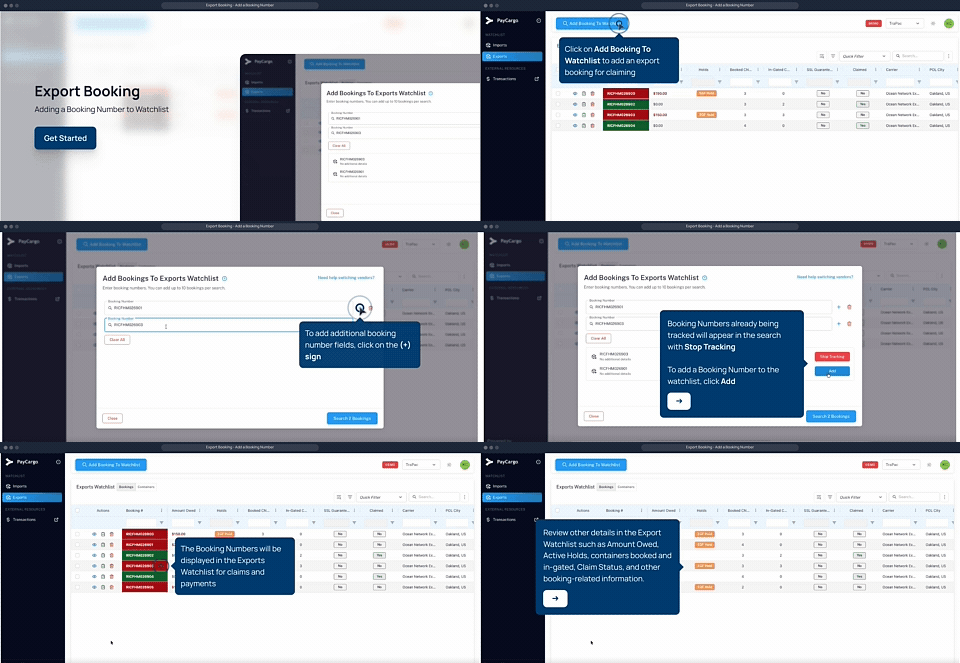
Swissport Payment Portal overview
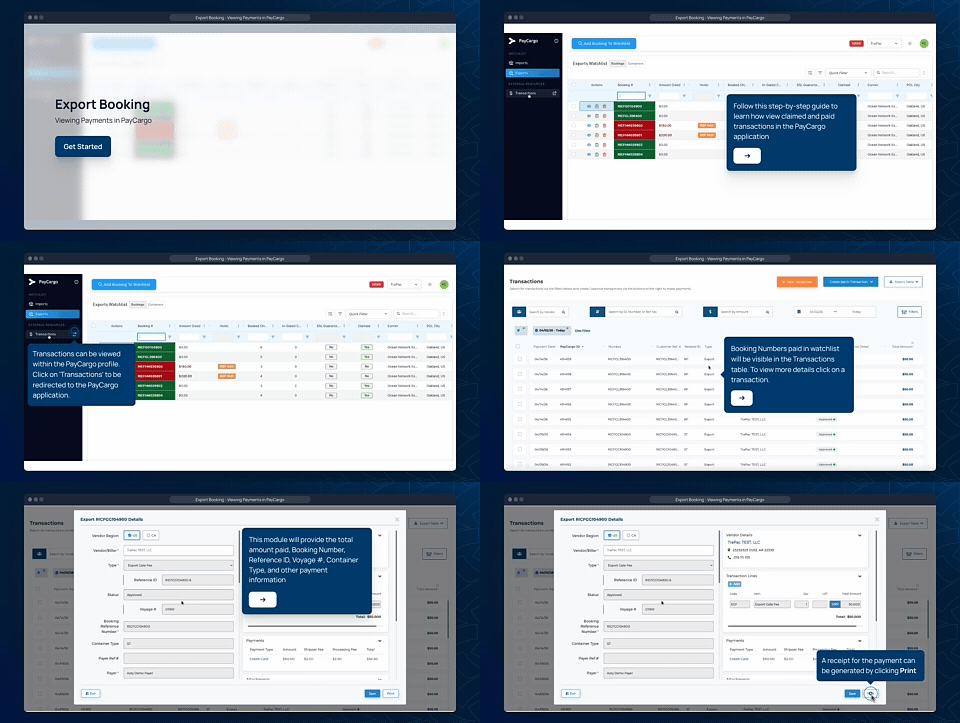
See how to find shipment information, review charges, and make payments in the portal.
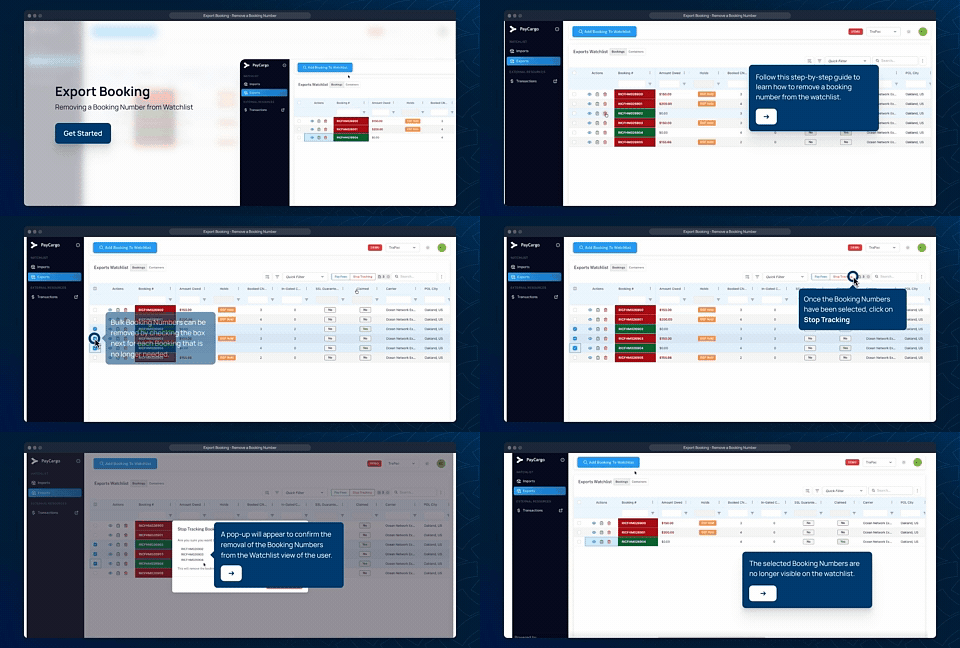
Find your shipment
Learn how to search by Air Waybill (AWB) and review available shipment information.
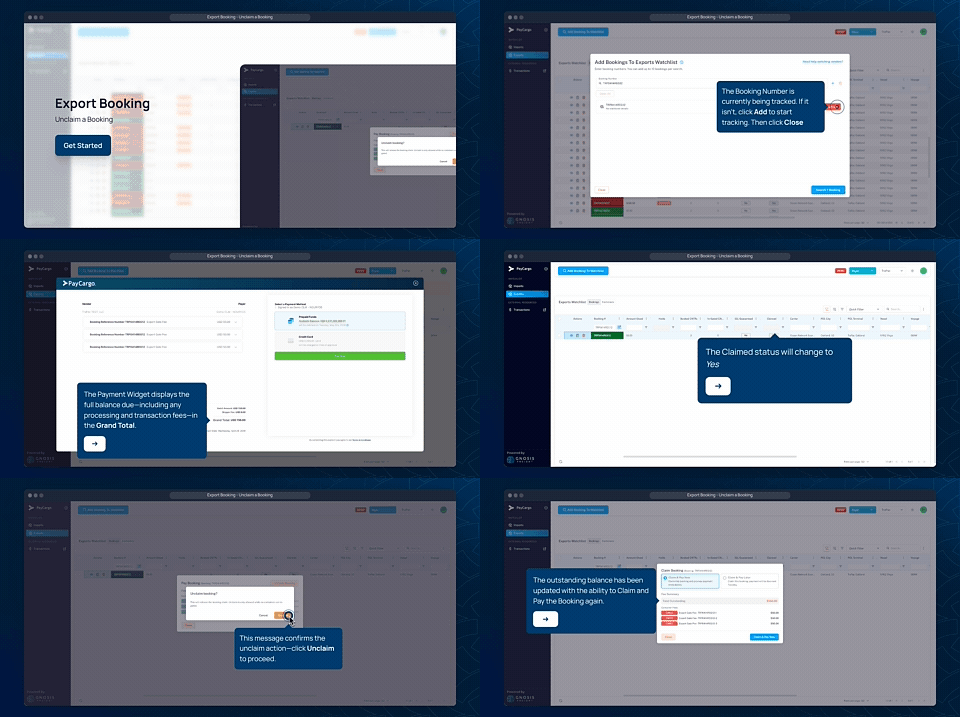
Review charges and invoices
See where to find open charges, fee details, and invoice information.
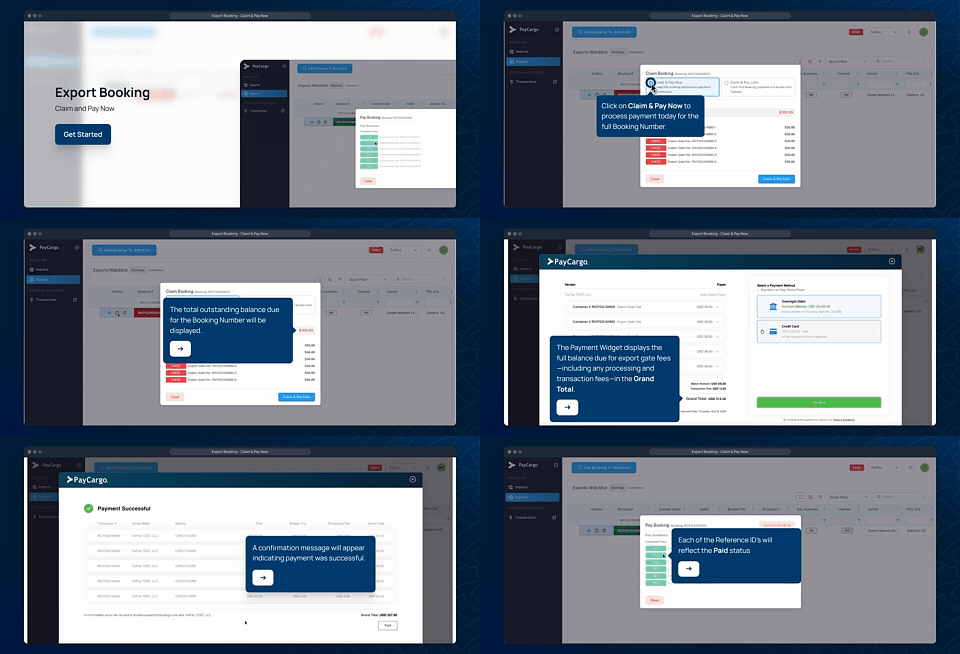
Get started
Access the Swissport Payment Portal
Frequently asked questions
Find answers about accessing the portal, finding shipments, reviewing charges, and making payments.
Getting started
What is the Swissport Payment Portal?
The Swissport Payment Portal gives customers one place to find eligible air cargo shipments, review available shipment and billing information, and make payments.
Where is the Swissport Payment Portal available?
The portal is launching at John F. Kennedy International Airport (JFK). Additional Swissport locations will be added as the portal expands.
Do I need an account to use the portal?
No. The guest experience allows you to search for eligible shipments, review charges, and make supported payments without a registered account.
How do I access the portal?
Shipments and status
How do I find my shipment?
Enter your Air Waybill (AWB) number to search for your shipment.
Can I search for multiple AWBs?
Yes. The portal supports searches for one or multiple Air Waybill numbers.
What information can I see?
Available information may include cargo tracking, customs status, payment status, invoices, and outstanding charges.
Why can't I find my shipment?
Confirm that your Air Waybill number is correct and that you are searching for cargo at a participating Swissport location. If you still need help, contact Customer Support.
Charges and invoices
Where can I see my charges?
Open charges associated with an eligible shipment are displayed in the portal.
Can I see a breakdown of my charges?
Can I view my invoice?
Yes. The portal provides access to available invoice and billing information associated with your shipment.
Payments
How do I make a payment?
Find your shipment, review the applicable charges, and follow the payment steps in the portal.
How do I know my payment was successful?
Your payment status is displayed in the portal after the transaction is processed.
Can I pay multiple charges at once?
The portal is designed to support batch payments.
Registration and support
Do I need to register with PayCargo?
Registration is not required for supported guest transactions. Registered users can sign in to access available PayCargo account features.
What if I need help?
Contact Customer Support for assistance with the portal, shipment information, invoices, or payments.
Customer support
Need help with the Swissport Payment Portal? Contact our support team for assistance with portal access, shipment information, invoices, or payments.