



Easily pay all
APM Terminals charges
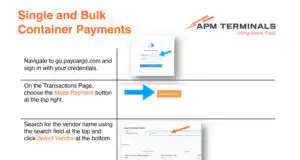
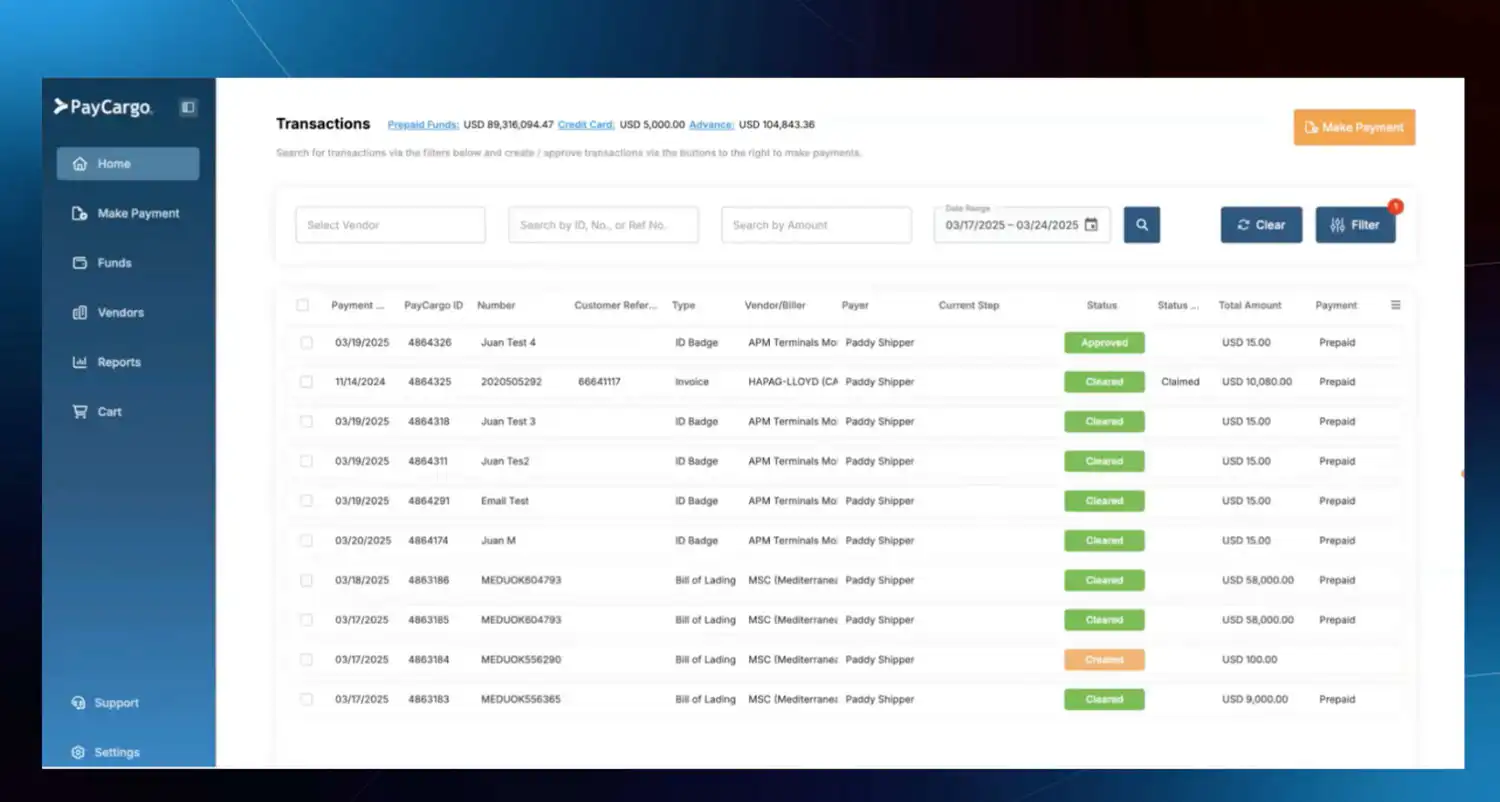
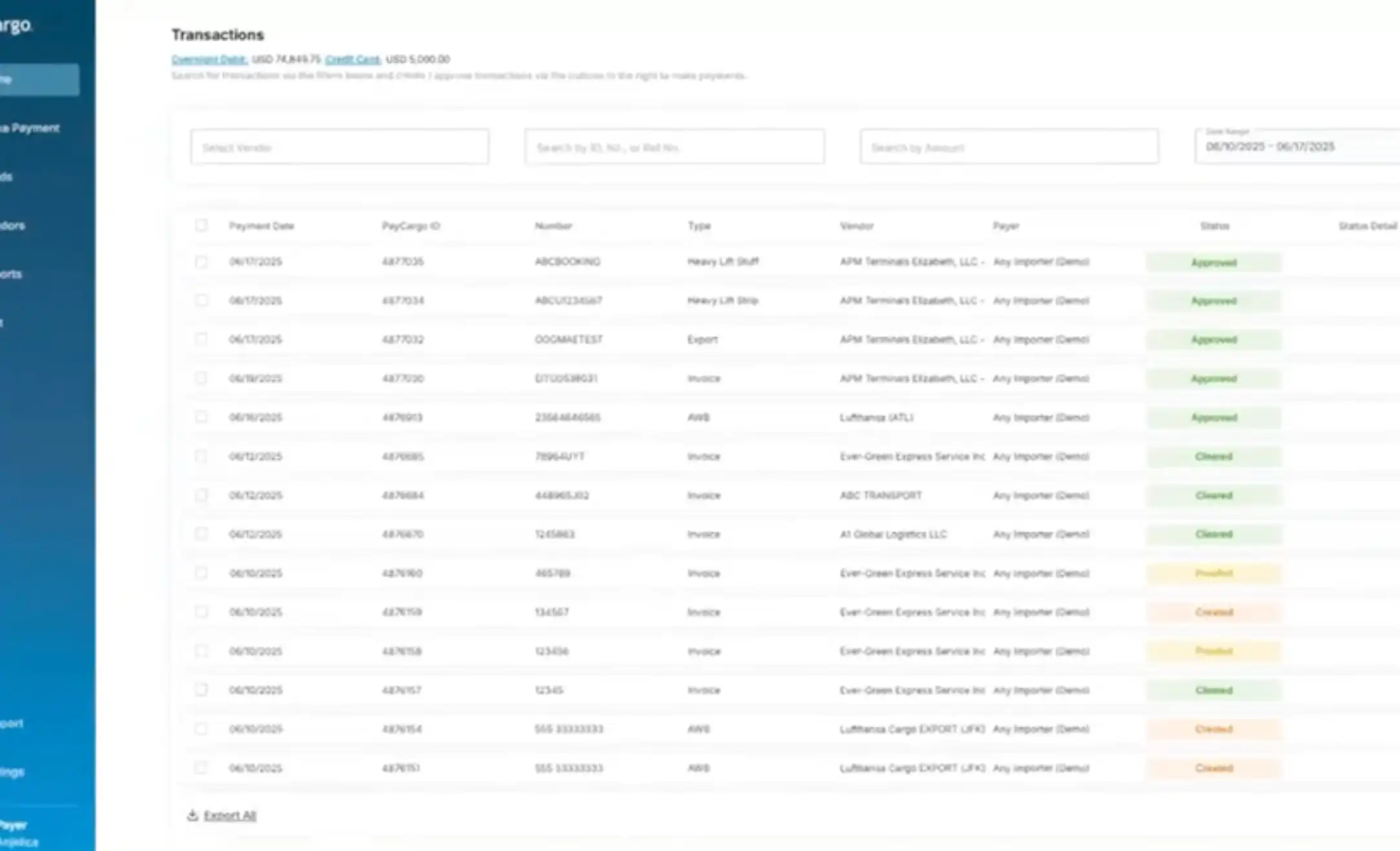
This portal, powered by PayCargo, is your direct interface for paying APM Terminals charges at Los Angeles (Pier 400), Port Elizabeth, Mobile, and Miami. Use bulk search to manage past and pending transactions in one place.
PayCargo’s direct integration with APMT’s terminal operating systems delivers same-day cargo release with multiple flexible payment options.
Why pay APM Terminals through PayCargo
Preferred member fees
Registered payers get preferred transaction and subscription pricing when paying APM Terminals North America.
Search any container, instantly
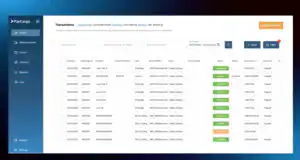
APMT/PayCargo integration lets you find past or pending transactions by container number.
Access 5,300+ vendors beyond APMT
Pay APM Terminals and the rest of your supply chain from one account. If a vendor isn't listed, we'll add them.
See pending and future payments
Schedule payments and view every pending transaction on one page.
Flexible payment options
Overnight Debit
Funds are withdrawn directly from your bank account.
Prepaid Funds
Add funds in advance and pay on your terms.
Credit Card
Pay using all major credit card providers.
PayCargo Credit
Access 15, 30, or 45-day terms, with limits from $50K to $5M.
Resources and tutorials
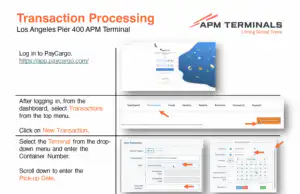
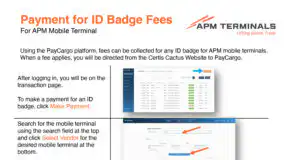
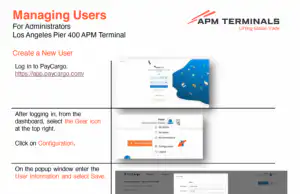
Explore step-by-step tutorials and videos covering transactions, guarantees, payments, and more for your terminal operations.
Videos
- Port Elizabeth
- SFCT
- Mobile
- Pier 400 LA
Resources and tutorials
Explore step-by-step tutorials and videos covering transactions, guarantees, payments, and more for your terminal operations.
Container Watchlist Introduction
Learn how to use PayCargo’s CPP watch list—log in, add containers to monitor demurrage and key events, and remove when needed.
Paying Demurrage Fees
Pay demurrage fees through PayCargo’s CPP: add containers to your watch list, choose current or future date amounts, and check out.
Disputing a Demurrage Fee
Pay demurrage fees from your container watch list, choose current or future payment dates, dispute transactions, then check out.
Submitting a Post Payment Dispute
Frequently asked questions
Find answers to common questions about getting started, payments, container status, and support.
Registration, Payments & Container Status
How do I register to make payments in PayCargo and how long does it take?
To register and get started, please visit PayCargo Registration. For credit card payments, registration enjoys same-day approval. When linking bank accounts, registration approval will take up to 48 hours to complete the needed security and regulatory validations. If a quick-turn registration is needed, a credit card may be used and the account can then be converted to ACH to access the lowest-cost long-term processing.
What does Paid and/or Good Through Date mean?
The “Paid Through Date” (PTD) is the date through which the container charges have been settled — whether by payment of fees, allocation of free time, or an APM Terminals release process. This date is also referred to as the “Good Through Date” and extends beyond the original “Last Free Day” (LFD).
Post-payment, how long will it take for my container to be released at the terminal?
PayCargo is directly connected to APMT’s terminal operating systems, ensuring timely communication. However, the terminals rely on EDI messaging, which may not be immediate. As a result, there could be a delay of up to one (1) hour for status changes to be reflected.
Support, Disputes & Requests
Where do I go for support in making payments to APM Terminals?
Please go directly to PayCargo as your first point of contact for customer service. Email: [email protected] | Phone: 888.250.7778
Can I request additional free time?
To request additional free time, please contact the appropriate APM Terminal.
How do I initiate a dispute?
To initiate a dispute, please visit the Payer Support Page for a user guide and an instructional video. Disputes can be initiated either pre-payment or post-payment. For pre-payment disputes, simply enter the Pick-Up Day, which will generate an advance pro-forma invoice that can be electronically disputed. Please note that PayCargo invoices can only be disputed through PayCargo and are not available for dispute on the APM Terminals dispute website. Supported documentation uploads include .PDF, .PNG, and .JPEG. If attaching an email, you must print or download it to .PDF format or use a screenshot in .PNG or .JPEG format.
How do I request a refund?
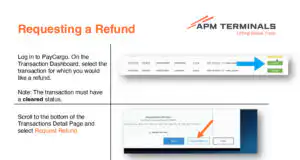
To request a refund, please visit the Refund Tutorial, available in the PayCargo Resource Library. Supported documentation uploads include .PDF, .PNG, and .JPEG. If attaching an email, you must print or download it to .PDF format or use a screenshot in .PNG or .JPEG format.
Who do I contact with questions, concerns, or issues related to fees due?
Please go directly to PayCargo as your first point of contact for customer service. Email: [email protected] | Phone: 888.250.7778
Customer support Available 24/7
Our team is available around the clock to help with payments, disputes, and platform support. Contact us by phone or email for assistance.